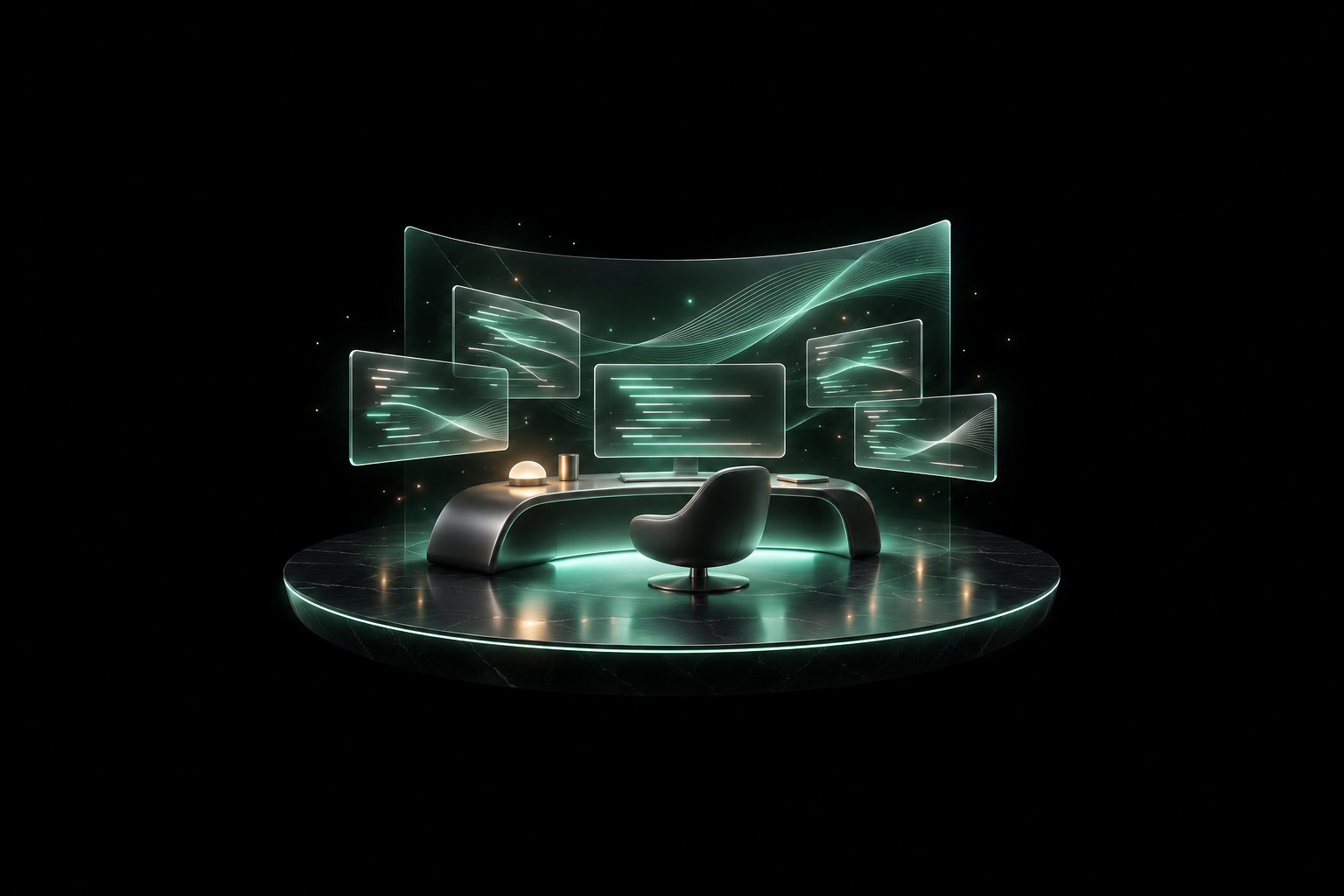
Your workspace, in three dimensions
Your projects live in a 3D workspace you can walk through. Every screen, page and agent stays where you put it, so tomorrow starts exactly where today ended.
WASD to walk · click any screen to work · talk to Omo out loud
Your workspace, in three dimensions
The hardest part of any project is starting again. In Omo the room is still lit when you come back: terminals open, pages pinned, the agent up to date. You sit down and you are already moving.
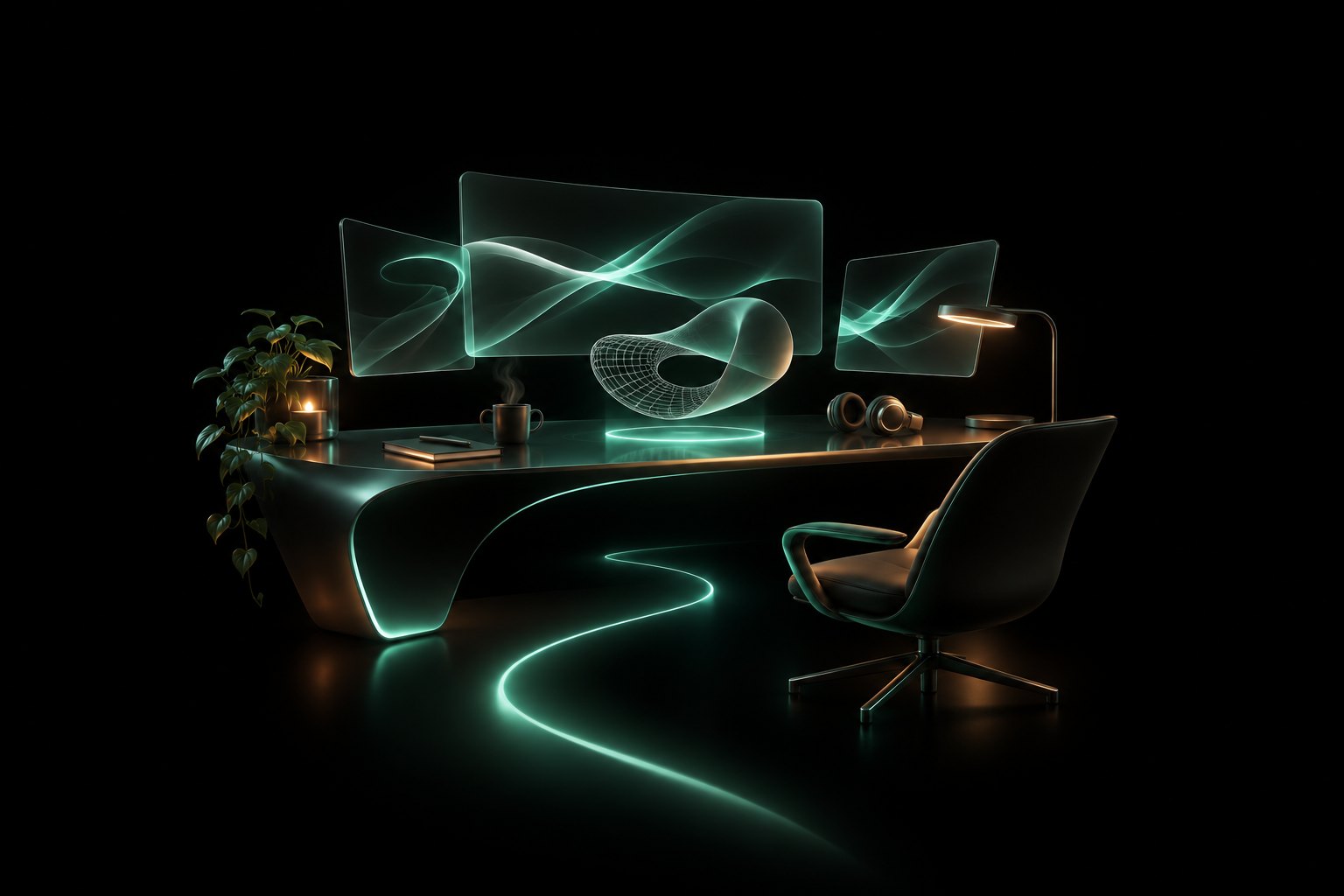
Four things you can only do when your work has a place.
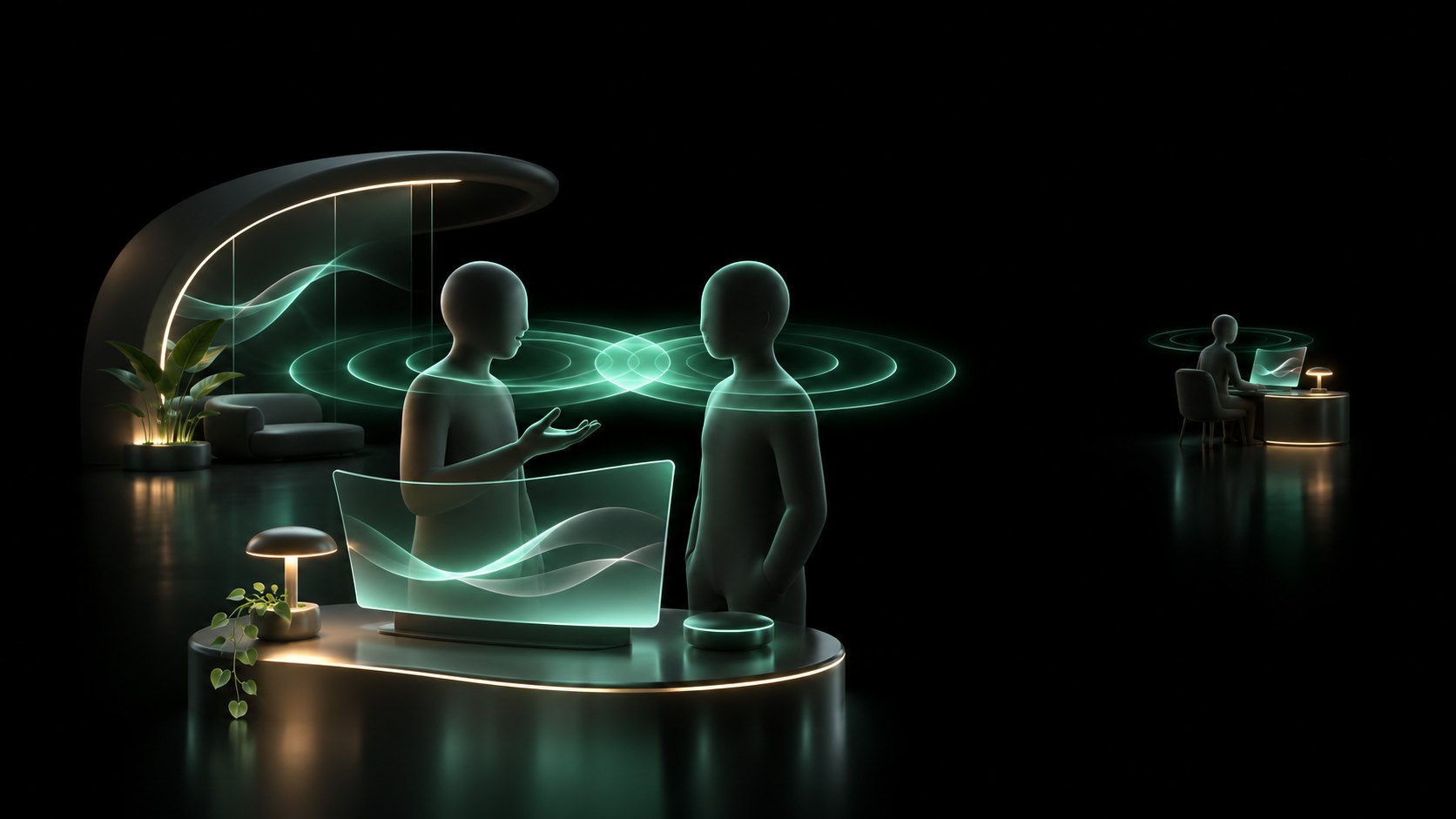
01 / Proximity chat
Walk over to a teammate's desk and just talk. Voices get clearer as you get closer and fade as you walk away, the way a real studio works. No calls to schedule.

02 / Shareable worlds
Turn a codebase, a spreadsheet or a customer list into a place you can stand inside. Send the world to someone and they walk around in it with you.

03 / Persistent pages
Ask for a page, such as a dashboard, a report or a landing page, and Omo builds it on a wall in your world. It stays there, live, until you take it down.

04 / Omo agent
Omo lives inside your workspace. It knows every screen, file and page, and where each one sits. Talk to it out loud and it runs the work across your business.
Give every idea a room. Invite your team in. You all work in the same place at the same time, and the palace grows with everything you build.
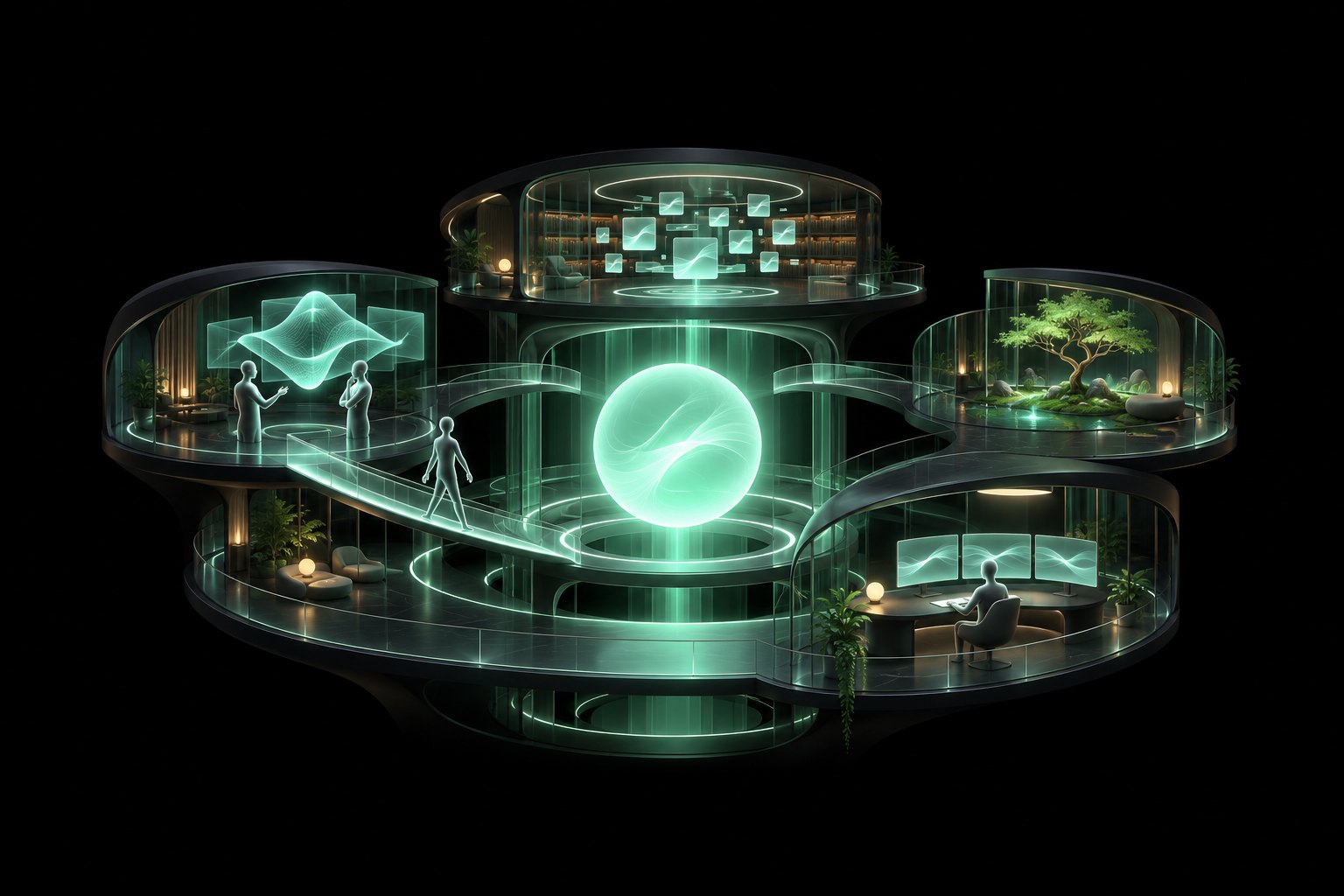
Projects, clients and experiments each get their own space.
See who is where. Walk over. Point at the same screen.
Find work by where you left it, not by what you named it.
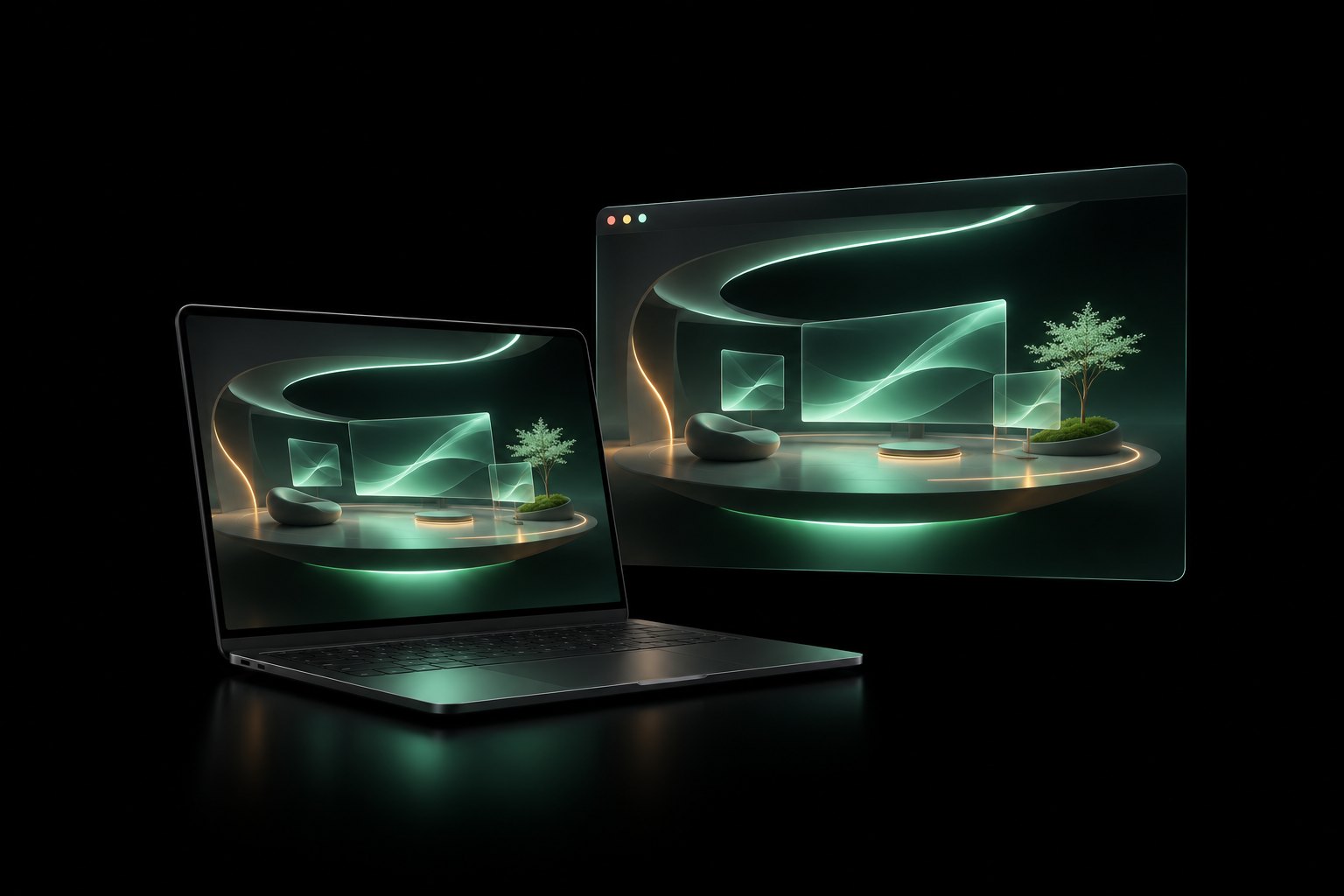
The same world runs in your browser and in the desktop app, so you can start on one machine and pick up on another.
Your first room takes a minute to make. After that it is always there, waiting for you.